

How to Pause a Coffee Subscription Service: 2026 Guide
Table of Contents
- How to Pause a Coffee Subscription Service: Step-by-Step
- What Happens to Your Account When You Pause
- Coffee Subscription Pause vs Cancel: Which Fits Your Situation
- How to Change Coffee Delivery Frequency Instead of Pausing
- Coffee Subscription Cancellation Policy: What to Check Before You Decide
- Troubleshooting Account Access and Timing Your Pause Correctly
- Conclusion: Pause With Confidence, Keep Your Coffee Fresh
- Frequently Asked Questions
Last Updated: October 3, 2026
How to Pause a Coffee Subscription Service: Step-by-Step
To pause coffee subscription service, log in to your account dashboard, open subscription management, and select the pause coffee subscription option rather than cancel.
Pausing is not quitting: it freezes your billing cycle and stops the next shipment while your profile, order history, and bean selection stay saved.
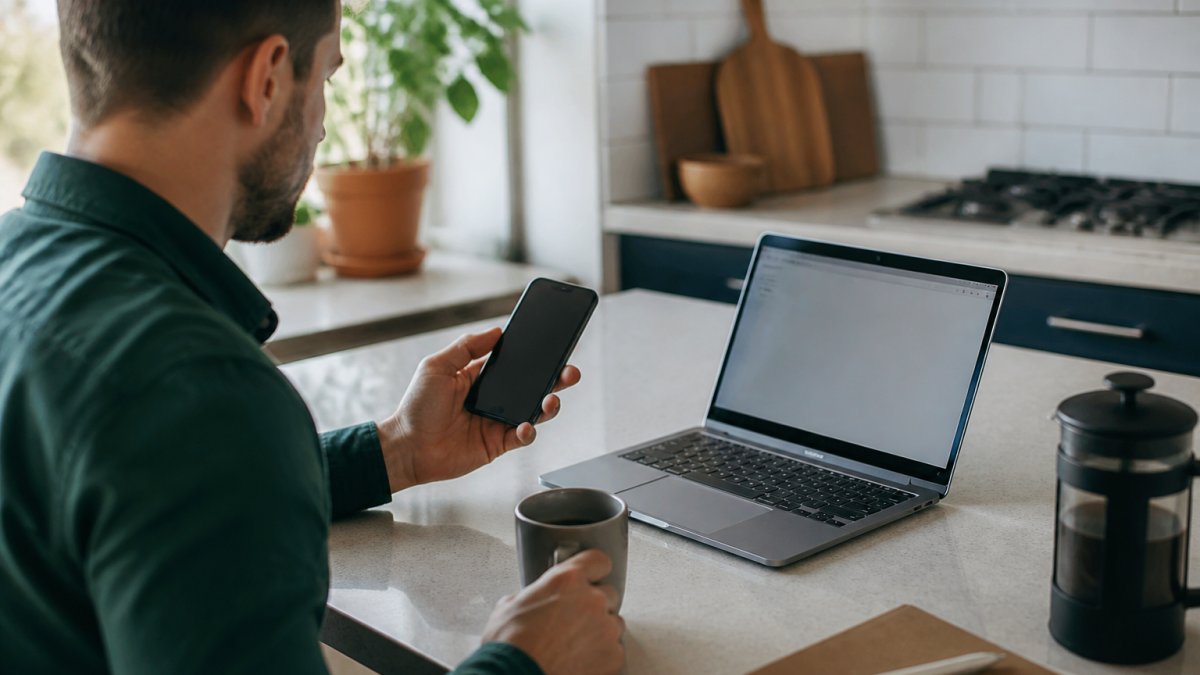
Desktop: Finding Pause Controls in Your Account Dashboard
On desktop, the pause option lives under subscription management, usually two clicks from your account dashboard. Sign in, click your name or user profile icon, then open the subscriptions or recurring orders tab, where your status, next delivery window, and payment method are listed together.
Look for a button labeled "Pause," "Skip," or "Manage Plan." If you only see "Cancel," click into the plan details first. Most customer portals hide pause behind that extra layer.
Here is the typical desktop path:
- Sign in with your account credentials
- Click your user profile or account settings
- Open subscription management
- Find the active recurring order
- Select pause, then choose a resume date
Mobile App vs. Desktop: What Actually Differs
Mobile apps often bury pause controls deeper than the desktop site, and a few skip the feature entirely. If your app shows only "cancel subscription," open the same account in a mobile browser, where the full customer portal usually loads.
Three practical differences show up again and again:
- Menu labels change. Desktop says "subscription management"; apps often say "my plan" or "deliveries."
- Date pickers behave differently. Mobile date wheels are easy to overshoot. Double-check the resume date before saving.
- Confirmation emails differ. Some apps confirm a pause in-app only. Screenshot the confirmation in case you need it later.
What Happens to Your Account When You Pause
A pause suspends automated billing and shipment scheduling while keeping your account intact. Your status changes to "paused," and the system holds your place in the roasting queue.
What stays the same:
- Your user profile and login credentials
- Saved payment method
- Roast preferences and bean selection
What stops:
- Recurring charges
- New shipments
- Delivery window notifications
One thing nobody tells you: some services cap how long you can pause. A pause that runs too long may auto-convert to a cancellation. Check the fine print before you set an open-ended hold.
Coffee Subscription Pause vs Cancel: Which Fits Your Situation
Choose pause when the break is temporary, cancel when you are done for good. The consequences differ more than most people expect, financially and mechanically.
The core distinction is your billing cycle. A pause freezes it: the next charge does not fire and your roasting-queue slot is held. A cancel ends it entirely: no future charges, no held slot, and in most portals your saved plan configuration is deleted rather than archived.
| Situation | Best Choice | What Happens Mechanically |
|---|---|---|
| Vacation or travel | Pause | Billing cycle freezes; slot in roasting queue held |
| Tight budget for 1-2 months | Pause | Next charge skipped; account and payment method retained |
| Switching to a different roast | Pause or modify plan | Plan config edited in place; no reactivation needed |
| Moving and unsure of new address | Pause | Shipping address can be updated before resume |
| Done with subscriptions entirely | Cancel | Billing cycle ends; plan config typically deleted |
| Want to try other providers | Cancel | No future charges; reactivation may require re-entry |
The billing-cycle question nobody answers clearly
When you pause, does the next charge stop immediately or only the next shipment? It depends on where you are in the cycle, the most common source of surprise charges.
If your billing date is the 15th and you pause on the 10th, the 15th charge is skipped.
Some platforms separate billing date from ship date. There, pausing after the charge but before the ship date may still stop the shipment, with the charge becoming a credit or refund depending on policy.
What you actually lose when you cancel
Canceling triggers a chain of consequences in most portals:
- Plan configuration is deleted. Your roast selection, grind preference, and delivery interval are not saved for later. Reactivating means rebuilding the plan from scratch.
- Grandfathered pricing disappears. If you locked in a rate at signup, canceling usually forfeits it. Resubscribing lands you on current pricing.
- Payment method may be removed. Some platforms purge stored card data on cancel for security reasons. You re-enter it on return.
- Loyalty or referral credits may expire. Check whether any account credits survive a cancel.
Pausing avoids all four, a stronger argument than the generic 'you might come back' framing.
When cancel is actually the right call
Pause is not always correct. Cancel when:
- You have moved to a different provider and do not intend to return.
- The service has changed roasts, pricing, or shipping in a way you no longer want.
- You are consolidating subscriptions and want a clean account.
- The pause limit is shorter than the break you need, if you need six months off and the cap is three, cancel and resubscribe later is the honest path.
If you might come back within a few months, pause is almost always the smarter move. If you are unsure, pause first, you can always cancel from a paused state, but you cannot un-cancel a deleted plan configuration.
How to Change Coffee Delivery Frequency Instead of Pausing
Sometimes the problem is not the coffee but the pace. If boxes arrive faster than you drink them, changing your coffee delivery frequency beats pausing, the angle most guides skip.
Most portals let you adjust the delivery interval on the same subscription management screen as the pause button, with options every two, four, or six weeks. A longer interval lowers monthly spend without interrupting service and avoids the reactivation friction of a pause.
The financial impact of changing frequency vs. pausing
When you pause, the next charge is skipped entirely, zero spend, but also zero coffee.
12 Pack Single Serve Coffee Capsules →
A concrete example: a plan that ships every two weeks at a fixed per-box price costs roughly 26 charges per year.
Pausing for a month then resuming puts you back on the original cadence, so the savings are temporary. Changing the interval is a permanent structural change until you change it back.
How to change coffee delivery frequency
- Open subscription management from your account dashboard
- Select your active recurring order
- Find 'delivery interval' or 'shipping schedule'
- Pick a longer interval
- Save and confirm the new delivery window
- Check whether the change applies to the next cycle or the one after, some platforms apply interval changes only after the current cycle completes
That last step is the trap. On some platforms, an interval change made mid-cycle does not take effect until the following shipment. If you are trying to avoid an imminent charge, pausing is faster than changing frequency.
Matching interval to actual consumption
One cup a day usually fits a four-week interval; brewing for two people, keep it at two weeks. If you brew only on weekends, even a six-week interval may outpace you, pause is the better tool.
A practical rule: count how many cups you brew in a typical week, multiply by four, and compare that to the bag size. If the math says you will finish the bag in three weeks, a four-week interval leaves you without coffee for a week.
If you are unsure between pausing and changing frequency, change the frequency first. It is reversible in one click, it keeps your plan configuration intact, and it avoids the billing-cycle timing trap that catches people who pause too late.
When frequency change is not enough
If you need to stop deliveries entirely, travel, budget, a move, frequency change will not solve it; a six-week interval still ships. Use frequency change for pace problems and pause for absence problems. Confusing the two is why people end up with stale beans or a surprise charge.
Coffee Subscription Cancellation Policy: What to Check Before You Decide
Before canceling anything, read the coffee subscription cancellation policy in your account settings. Policies vary widely on notice periods, refunds, and reactivation.
Check these five items:
- Notice window. Some services require notice before the next billing date. Miss it and you pay for one more box.
- Refund terms. Most do not refund shipped orders. Unshipped ones sometimes qualify.
- Reactivation rules. Some let you restart anytime; others make you re-enter payment details.
- Pause limits. Maximum pause length before auto-cancellation.
If the policy is unclear, contact customer support before acting. A short email saves a billing headache.
Here is a support template you can copy:
Subject: Pause request for my subscription
Hi team,
I would like to pause my coffee subscription starting before my next billing date. My account email is [your email]. Please confirm the pause is active and tell me the date my next shipment would resume.
Thanks, [Your name]
Troubleshooting Account Access and Timing Your Pause Correctly
Timing causes more failed pauses than any technical glitch. Pause at least three to five days before your next billing date. That buffer covers processing delays and stops the charge.
If you cannot log in, work through these fixes in order:
- Reset your password using the "forgot password" link
- Check that caps lock is off and you are using the right email
- Clear your browser cache or try a different browser
- Try the mobile browser version of the customer portal
For a service suspension to stick, confirm it in writing. Screenshot the confirmation screen or save the email. If a charge appears anyway, that record makes the fix fast.
Conclusion: Pause With Confidence, Keep Your Coffee Fresh
Managing a subscription should never cost you stale beans or a surprise charge. Our single serve capsules are sealed with no oxygen inside to lock in flavor, and our improved filter design pulls a fuller, livelier cup. Try our 12 Pack Single Serve Coffee Capsules to test a roast, or step up to the 60 Pack Single Serve Coffee Capsules once you know your pace.


Frequently Asked Questions
How far in advance do I need to pause my coffee delivery?
Most coffee subscriptions process orders 24 to 72 hours before the scheduled ship date, so pausing at least three days ahead is the safe window. If your next billing cycle is already in progress, the pause usually applies to the following shipment instead. Check your account dashboard for the exact cutoff shown next to your upcoming delivery date, and if you are inside that window, contact customer support to confirm whether the order can still be held.
Is it better to pause or cancel a coffee subscription?
Pause when the break is temporary: a vacation, a pantry full of beans, or a tighter month. Pausing keeps your account credentials, order history, and roast preferences intact so you can reactivate with one click. Cancel when you want the recurring order and automated billing to stop for good. Before canceling, read the coffee subscription cancellation policy, since some providers require notice before the next billing cycle and pausing is often the faster, penalty-free option.
Does pausing a subscription stop all future billing?
Yes, in most cases. A pause suspends both shipments and automated billing until the resume date you set or until you reactivate manually. What a pause does not do is cancel the subscription itself, so if you never resume it, the plan may restart automatically at the end of the pause window. Set a calendar reminder for your resume date, and confirm the subscription status in your account dashboard reads paused rather than active.
Can I change my coffee delivery frequency instead of pausing?
Adjusting the delivery interval is often the better fix when you love the coffee but the shipments arrive faster than you drink them. In your account settings, look for delivery frequency, shipping schedule, or delivery interval, then stretch it from every two weeks to every four or six weeks. That single change lowers your monthly spend without losing your place, your roast preferences, or your bean selection.